
Run your portfolio from Claude, ChatGPT, and Copilot
ITM Platform connects to your AI agent. Query your projects, budgets, and risks, and create or update work, all without leaving the chat.
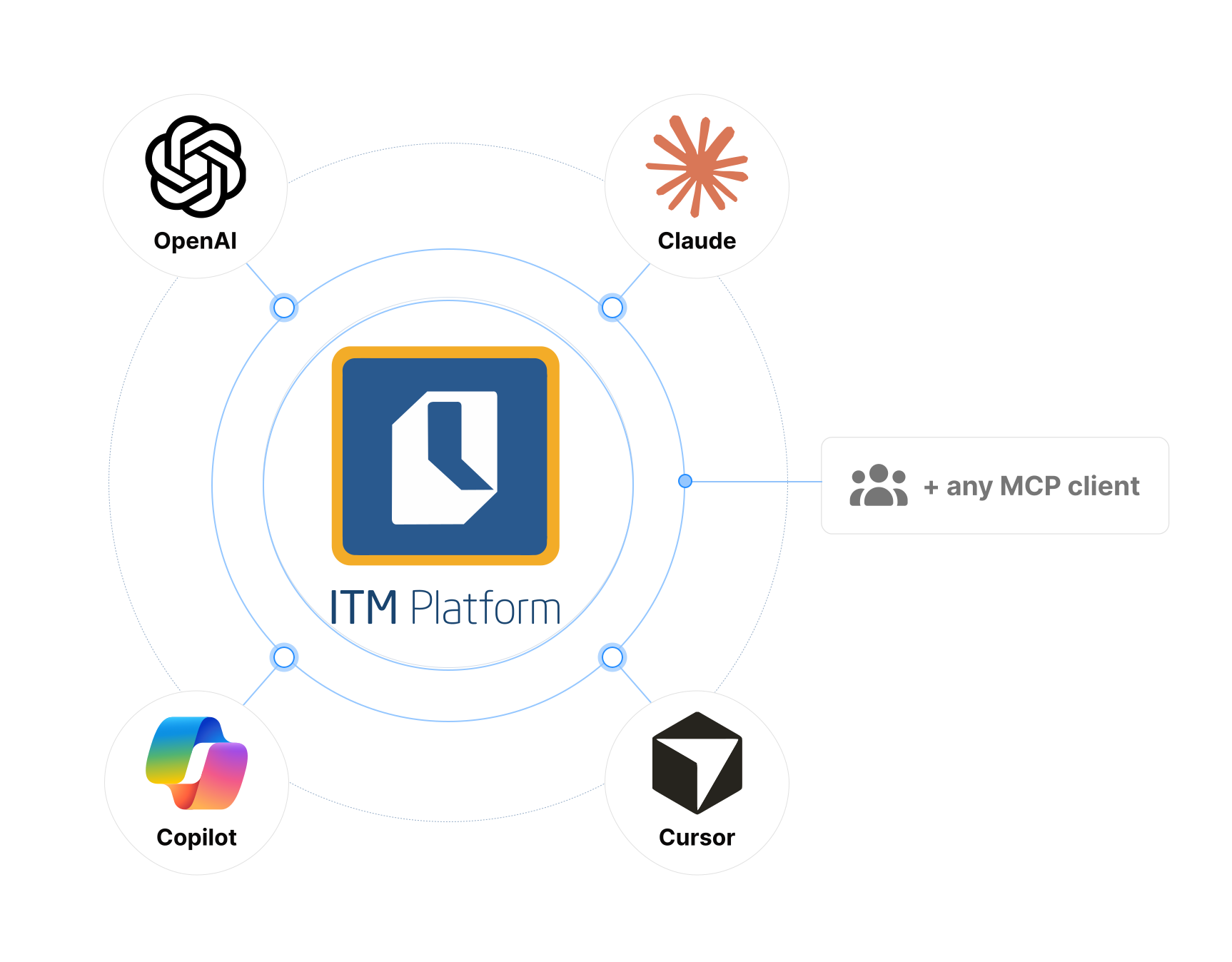
Connect your agent
In Claude Code, run:
claude mcp add --scope user --transport http itm-platform https://api.itmplatform.com/v2/_/mcp/ In ChatGPT, add a connector (Settings, then Connectors) with this remote MCP URL:
https://api.itmplatform.com/v2/_/mcp/ In OpenAI Codex, run:
codex mcp add itm-platform --url https://api.itmplatform.com/v2/_/mcp/ In Copilot Studio, add an MCP server with this URL:
https://api.itmplatform.com/v2/_/mcp/ In Cursor, add a custom MCP server with this URL:
https://api.itmplatform.com/v2/_/mcp/ Using a different client? Any MCP-compatible app connects with the same hosted URL.
Two directions of AI, one platform
AI Capabilities
ITM Platform has AI built in. PMPilot guides your team and analyzes your real project data, while AI generates reports and turns notes into task plans, right inside the platform.
AI Agents
The MCP server lets your own AI agent reach into ITM Platform: query your data and act on it, from the AI client you already use, under your permissions.
What your agent can do
From a quick question to a fully automated workflow, MCP unlocks progressively more powerful use cases.
Quick lookup
Ask a question, get an answer from your live data.
“What risks are open across my portfolio?”
Multi-step analysis
The agent chains multiple tools and synthesizes the result.
“Review every project ending this quarter. Flag any with budget overruns, open high-impact risks, or task completion below 60%.”
Automated bulk actions
The agent reads, decides, and writes across projects.
“For every project still in Planning with a start date in the past, move it to Execution and create a kick-off task for the project manager.”
Cross-system orchestration
Combine ITM Platform with your other MCP tools (GitHub, Slack, email).
“When a developer merges a PR, find the matching ITM Platform task, mark it complete, and email the program manager a closure summary.”
Portfolio and financial depth, not just task lists
Most agent integrations stop at to-do items. ITM Platform exposes the data a PMO actually runs on, so your agent can answer questions a task tracker never could.
- ✓ Budgets and margin — actuals, cost, revenue, purchases, and project margin
- ✓ Portfolio aggregation — group and summarize across your whole portfolio, not one project at a time
- ✓ Risks and issues — read the register and log new entries
- ✓ DataMart queries — run validated queries for advanced, cross-project analysis
Your agent, with your permissions
Every action runs as you, scoped by your ITM Platform role. The AI never receives your password or API key on the hosted connection.
- ✓ OAuth 2.1 with scopes — grant read-only (mcp:read) or read and write (mcp:write)
- ✓ Your role applies — the agent can only see and change what you can
- ✓ Open standard — built on the Model Context Protocol, now governed by the Linux Foundation
Make your portfolio agent-ready
Start a free trial, connect your AI client, and put your project portfolio one question away.